
Top up your Steam account via login: safe funds addition to your wallet
 Instant delivery
Top up your Steam balance quickly and affordably at DON-VIP — buy your favorite games, add-ons, skins, and other content, discover new gaming worlds, and enjoy your favorite adventures without limits!
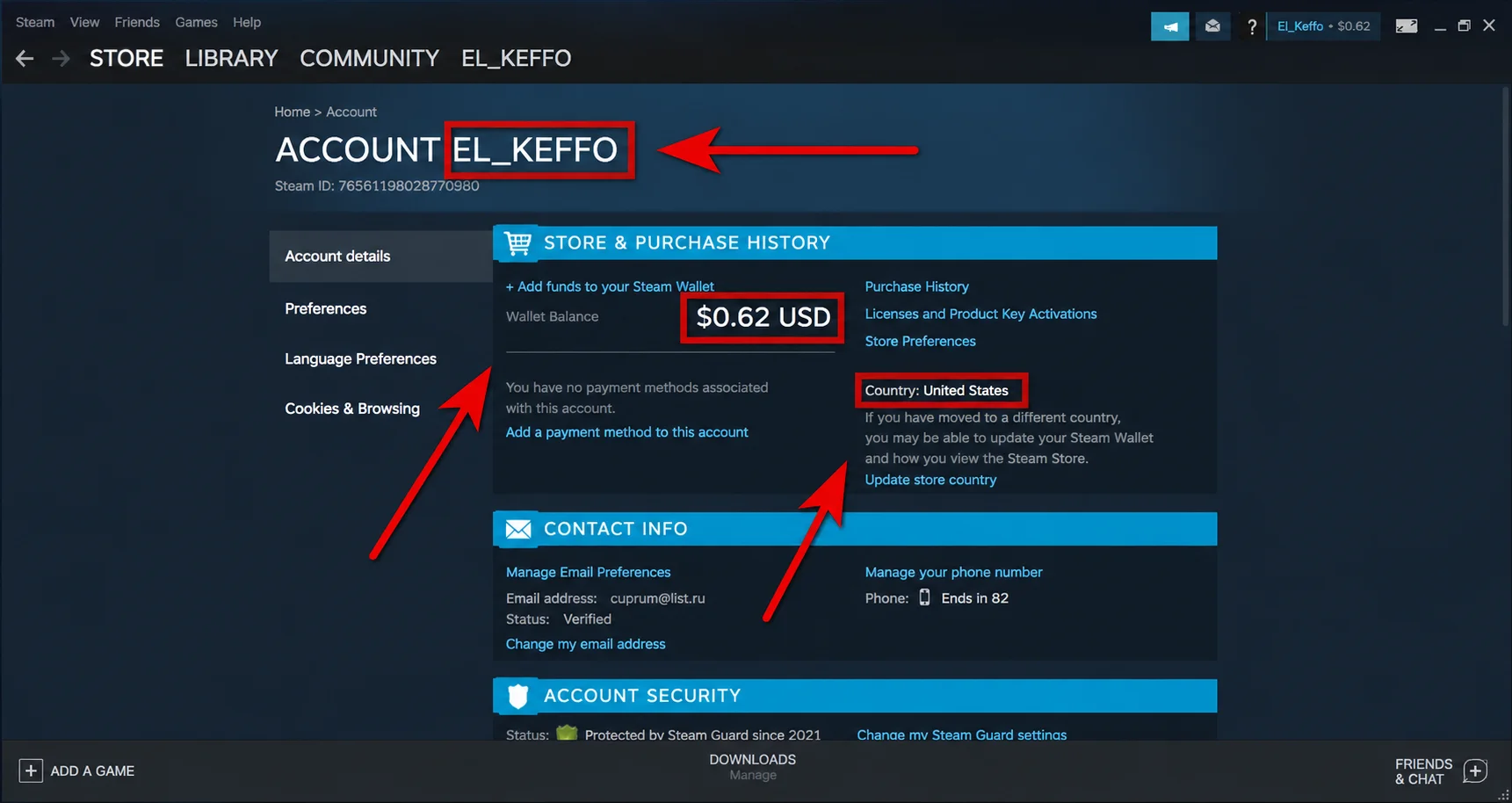
1. Enter Steam account login
2. Enter top-up amount
RUB
Amount must be between 20–50,000 RUB
3. Select payment method
How to top up your Steam account?
1
Enter your Steam account login
2
Enter amount for top-up
3
Select a payment method
4
Then make sure there are no mistakes, and click Buy Now
5
In a few seconds, your Steam balance will be replenished
Your Order

Steam
USD
Top-up amount:
— RUB
Commission:
2%
Total:
0 RUB
Your payment is secure. We use modern encryption technologies to ensure the security of your data.
Instant Delivery
24/7 Support
Secure Payment